Design system governance at S2S
service
Design system
sector
UI design
Year
2023
Context
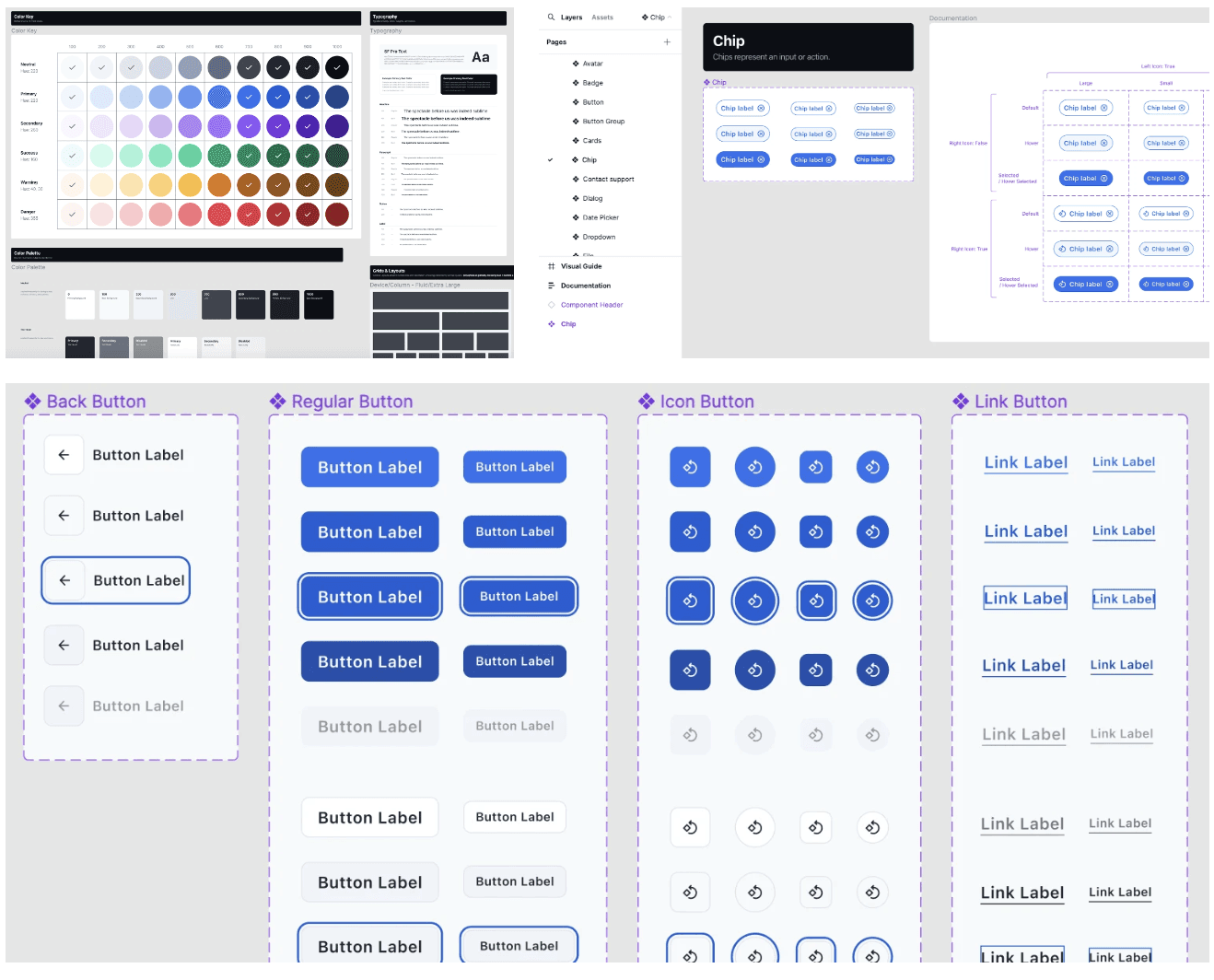
As the Source2Sea platform evolved, our original design system began to show its limits — tangled code, inconsistent UI, duplicated components, and missing guidance. I’ve always found deep satisfaction in building and maintaining systems, so leading the effort to replace and implement a new design system felt like the perfect challenge.
Why Replace It?
The decision to start fresh was clear. The Figma file we inherited was chaotic, the codebase bloated, and inconsistencies were visible everywhere — at one point, we had nine different top bars across the app, equaling to nine designs and nine different code pieces.
Rather than patch a system that had outgrown itself, we made a case for replacing it with a modern, well-documented design system that would scale with our product.
My Role
Led the design system replacement effort (taking over from our Head of Design)
Planned and documented the prioritization strategy
Owned the Figma file structure, documentation, and QA process
Facilitated collaboration across design, development, and QA
Integrated the process into sprint delivery and DevOps workflows
Assembling the Team & Gaining Buy-In
Replacing a design system is a multi-year effort. To get it off the ground, I:
Wrote a Design Debt Report outlining pain points and the case for change
Presented it to stakeholders to secure buy-in and resources
Carved out development capacity inside our sprint planning process
Set up collaboration rituals and channels across Figma, Slack, and Azure DevOps
We aligned designers, frontend developers, and QA early, and agreed on clear governance tools:
Figma (component design and visual documentation)
Chromatic (component testing)
Storybook (coded library)
Notion (design system guidelines)
Prioritization Strategy
With dozens of components to build or replace, we needed a pragmatic roadmap. We prioritized:
Developer bottlenecks – Components that were slowing dev velocity
High-frequency components – UI elements used widely across the platform
Maintenance-heavy components – Those frequently modified or misused
Blocking components – Elements needed and yet missing for upcoming product work
Not everything needed to become a component. Some design elements were intentionally left out due to low reusability.
Documentation & Guidelines
Before customizing anything, we first cleaned house:
Archived redundant components in Figma
Retained only what we needed to build, assessing clarity of deliverables
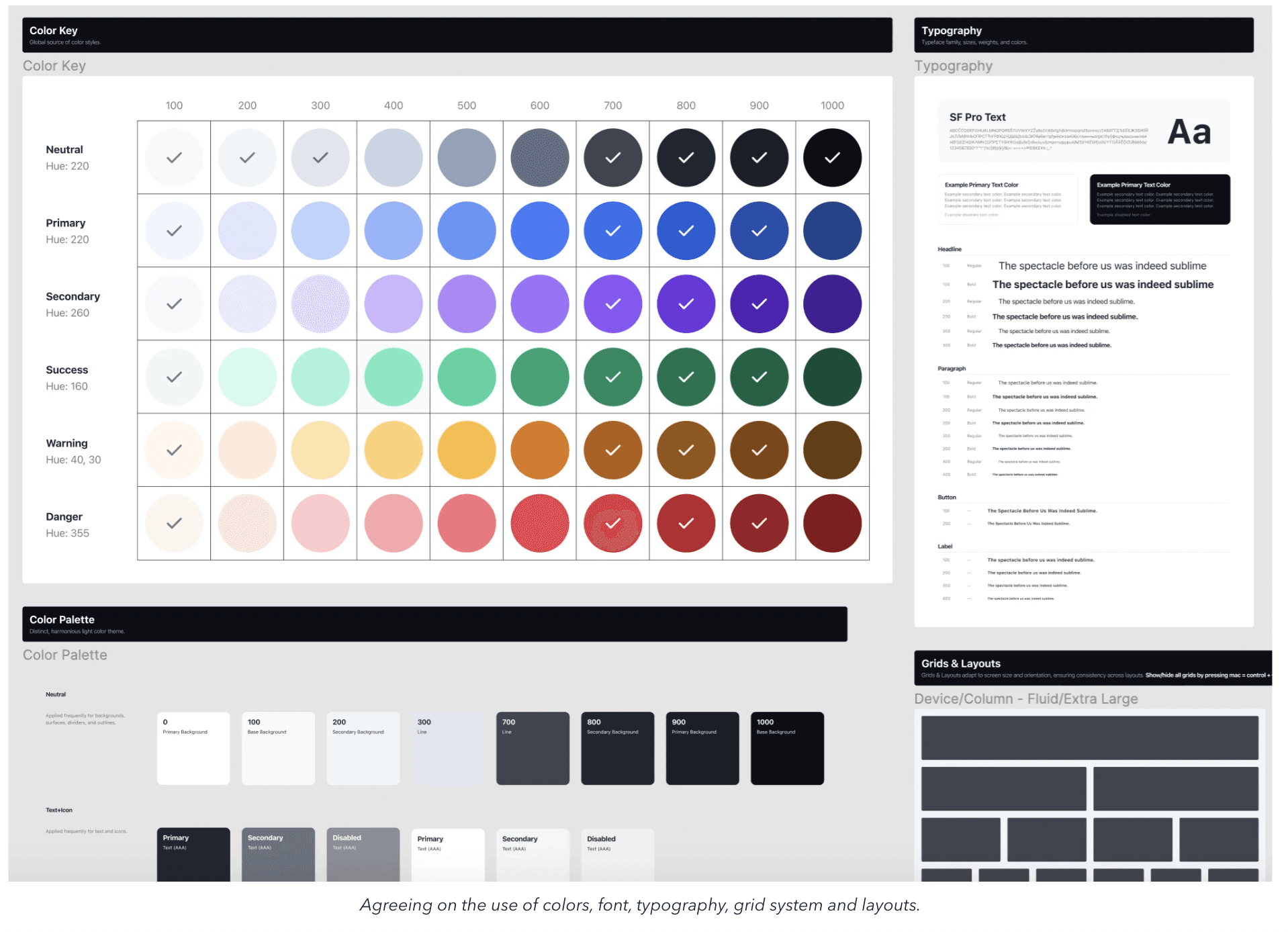
Established foundations: color, typography, spacing, and layout
Baked in accessibility and functional expectations from the start
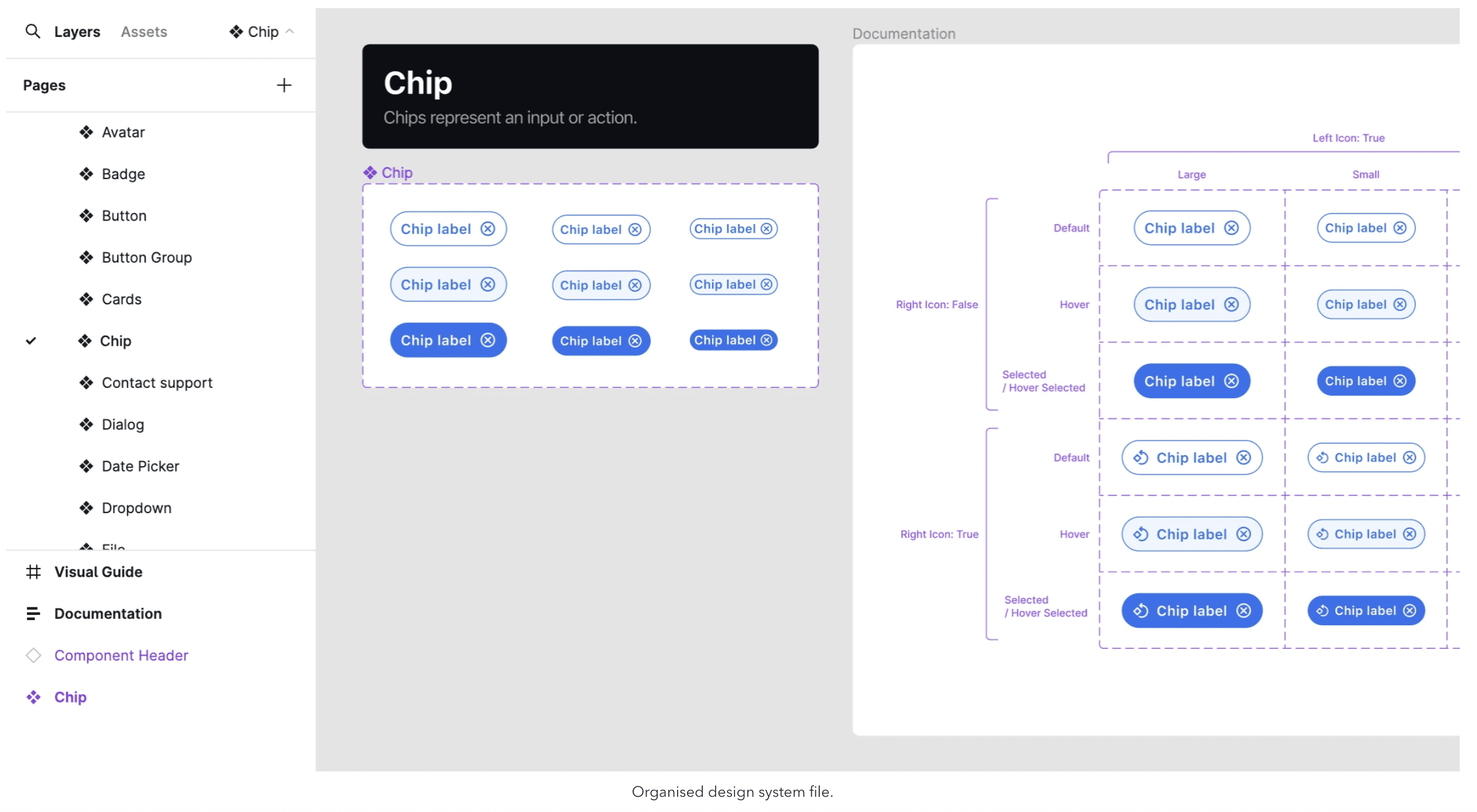
We based our system on the UI Prep kit by Molly Hellmuth — a Figma-native framework designed to scale and align with Figma’s core motorics. This gave us a robust, flexible, design-first foundation from day one.
We were fortunate to have dedicated front-end developers working full-time on design system components and UI modernizations. This setup made it possible to move faster and keep design and dev in sync, with crafted components built directly from our source-of-truth Figma files.
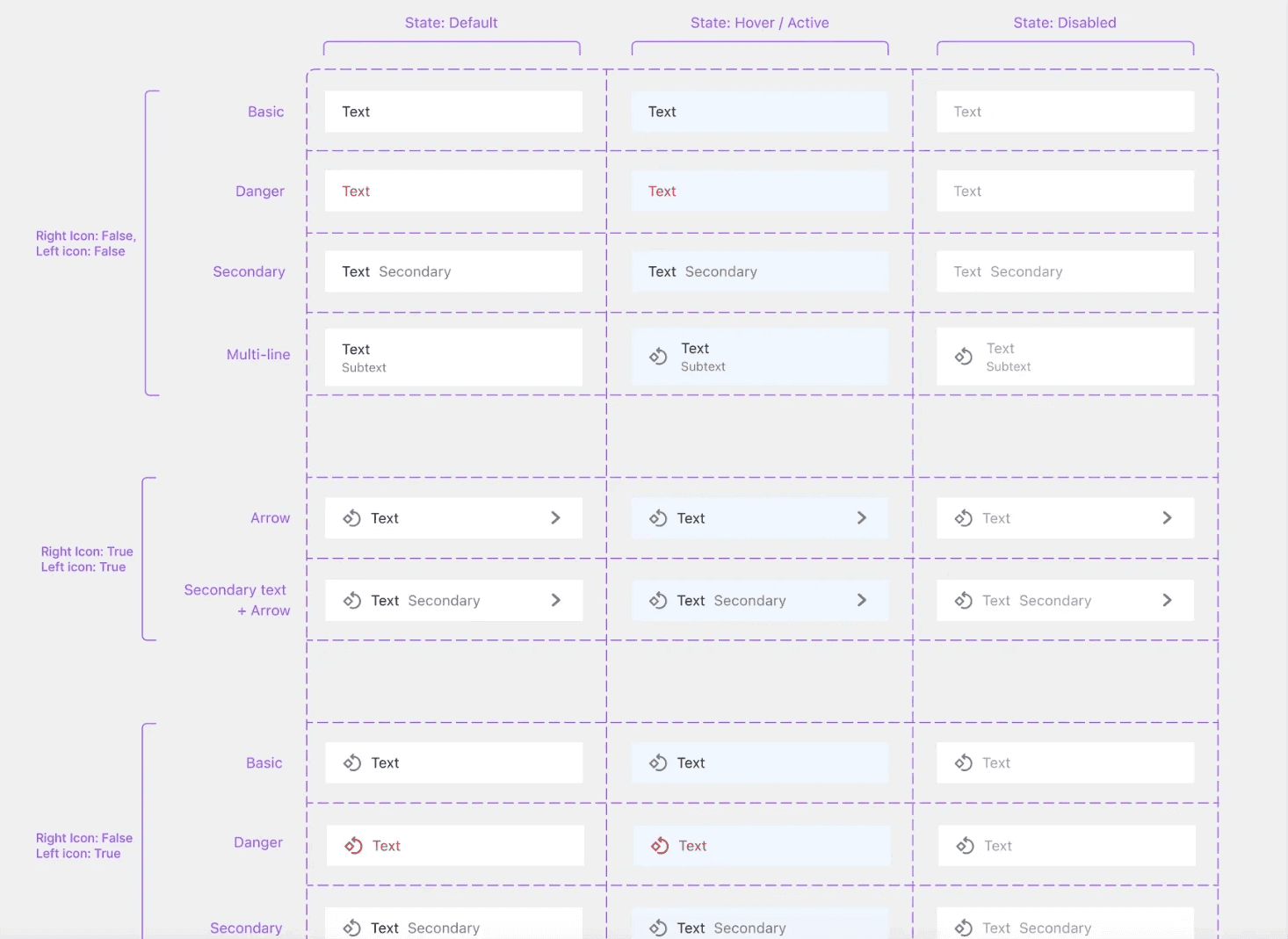
While creating documentation, my mind was constantly on usability standards, best practices, scalability, reusability, and the context of use. Documentation wasn’t just a handoff — it was a shared collaboration with developers. I always invited feedback on my work, and their experience often challenged my assumptions or gave me new angles to consider. This helped ensure that the guidelines were both practical and robust.
I also created visual guides to illustrate proper vs. discouraged usage. These helped align designers, developers, and QA testers by showing what was acceptable — and what wasn’t — in real usage scenarios.
Implementation & Testing
Each component was tracked as a Feature under a single Epic in Azure DevOps. I wrote stories with:
Description
Figma links
Acceptance criteria
Definition of Ready & Done checklists
As components were built, I tested them in Chromatic against documentation and visual guides, tried to break them, and filed bugs as needed. Once validated, they were published in Storybook and became part of our new system.
Closing Reflection
Replacing a design system while continuing to ship product is like rebuilding a plane mid-flight. It takes coordination, discipline, and care for the details — but the outcome is a more resilient foundation for everyone to build on.
This project reinforced why I love systems work: it’s not just about design consistency — it’s about enabling teams to move faster, with more confidence and clarity.